Every page returned 200. Some were still broken.
What I learned moving a website from Gatsby to Next.js one route at a time, and why the status code was the least useful check.
I’m moving the website at work from Gatsby to Next.js. Not in one big switch, but one route at a time.
The setup is simple. One CDN sits in front of everything. Each path has a rule that says which origin answers it: the old Gatsby site or the new Next.js app. Moving a page means adding a rule. Rolling back means removing it.
Every page I moved returned 200. Some of them were still broken. Here’s what I learned.
A 200 doesn’t mean the page exists
The old site was a single page app. It had the classic CDN rule: on a 404, serve the app shell with a 200 and let JavaScript figure it out.
That rule applies to the whole distribution, not just the old site. So the new app’s real 404s would have been turned back into the old shell, with a 200. For Google that’s a soft 404, and it’s bad.
curl -s -o /dev/null -w "%{http_code} %{size_download}\n" https://example.com/thisisnotarealpage
# 200 796817   ❌ the old app shell, not a 404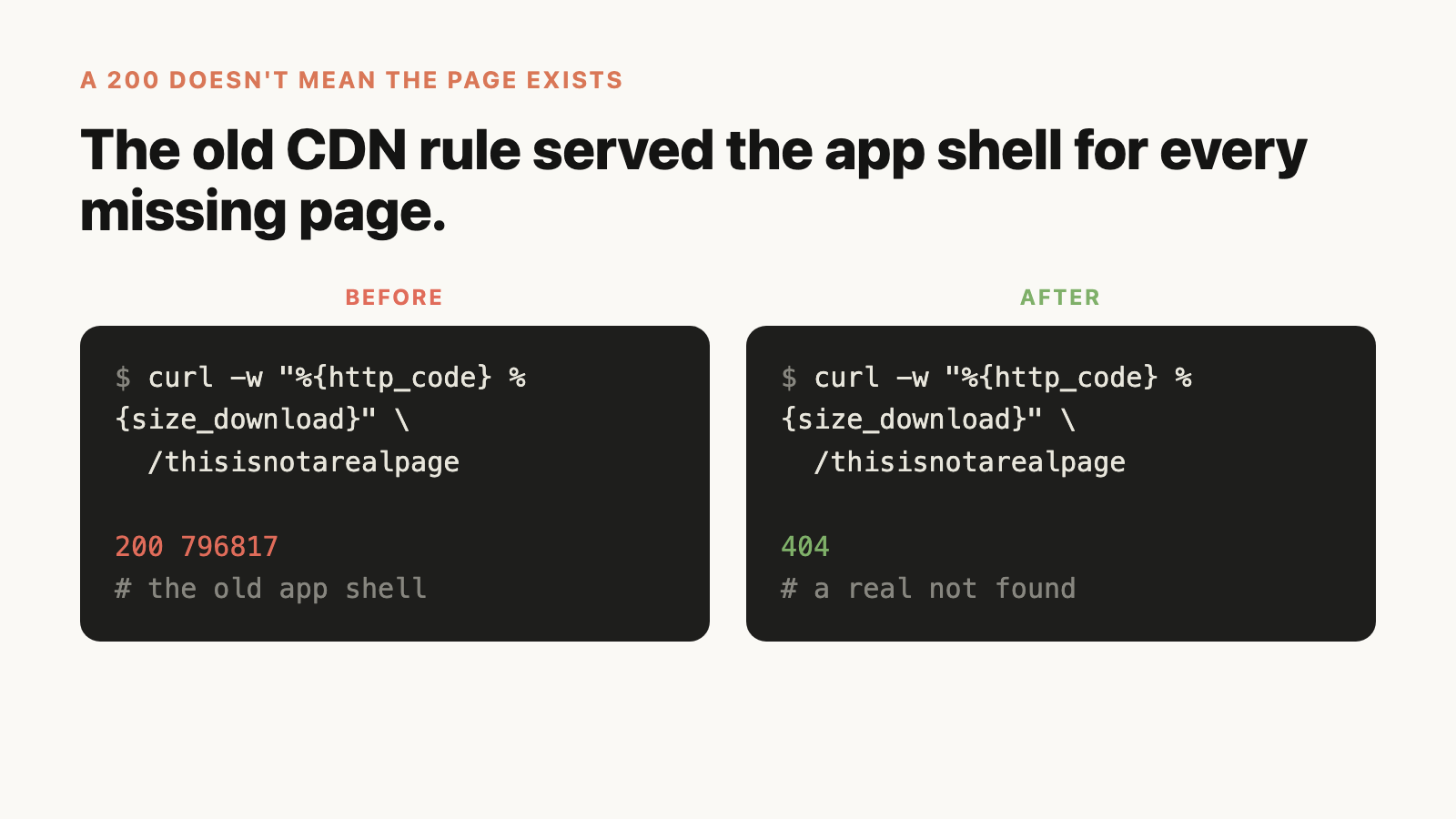
I deleted that rule before moving the first route. Now a missing page is a 404, from either origin.
I kept the 403 rule, on purpose. If a cutover breaks (a firewall rule, deployment protection), the user still gets the old site instead of an error. But it also means a broken cutover looks like a 200. So I detect it by the shell’s exact size, not the status code.
Bots and browsers saw different sites
Some directory URLs fell through to the app shell. For a person, nothing looked wrong: JavaScript loaded and fixed the page.
Link previews were a different story. Slack, WhatsApp and Facebook don’t run JavaScript. They got the shell with generic tags, no title, no image.
curl -s -A "facebookexternalhit/1.1" https://example.com/give/ | grep -c 'og:'
# 0   ❌ the preview gets nothing
So now I check every moved page the way a crawler sees it: no JavaScript, and I look at the size, the word count and the canonical tag.
Wildcard routes take URLs you didn’t choose
/pray* looks like it means “the pray page”. It also matches /prayer/ and /pray-app/. /sleep* matched /sleepcast/.
Those pages moved to the new app without anyone deciding it, and the new app didn’t have them.
/pray*        ❌ also catches /prayer/ and /pray-app/
/pray         ✅
/pray/        ✅ both slash forms, written out
Exact patterns only, written in both slash forms.
A migration quietly drops side effects
This is the one that scared me the most. The pages rendered fine. The screenshots matched. But the old site also did things nobody listed:
- it saved listening progress, so “Continue listening” stopped moving
- there was a sign-up form on the homepage that never got rebuilt
- an analytics identity call that joins installs to visitors went missing
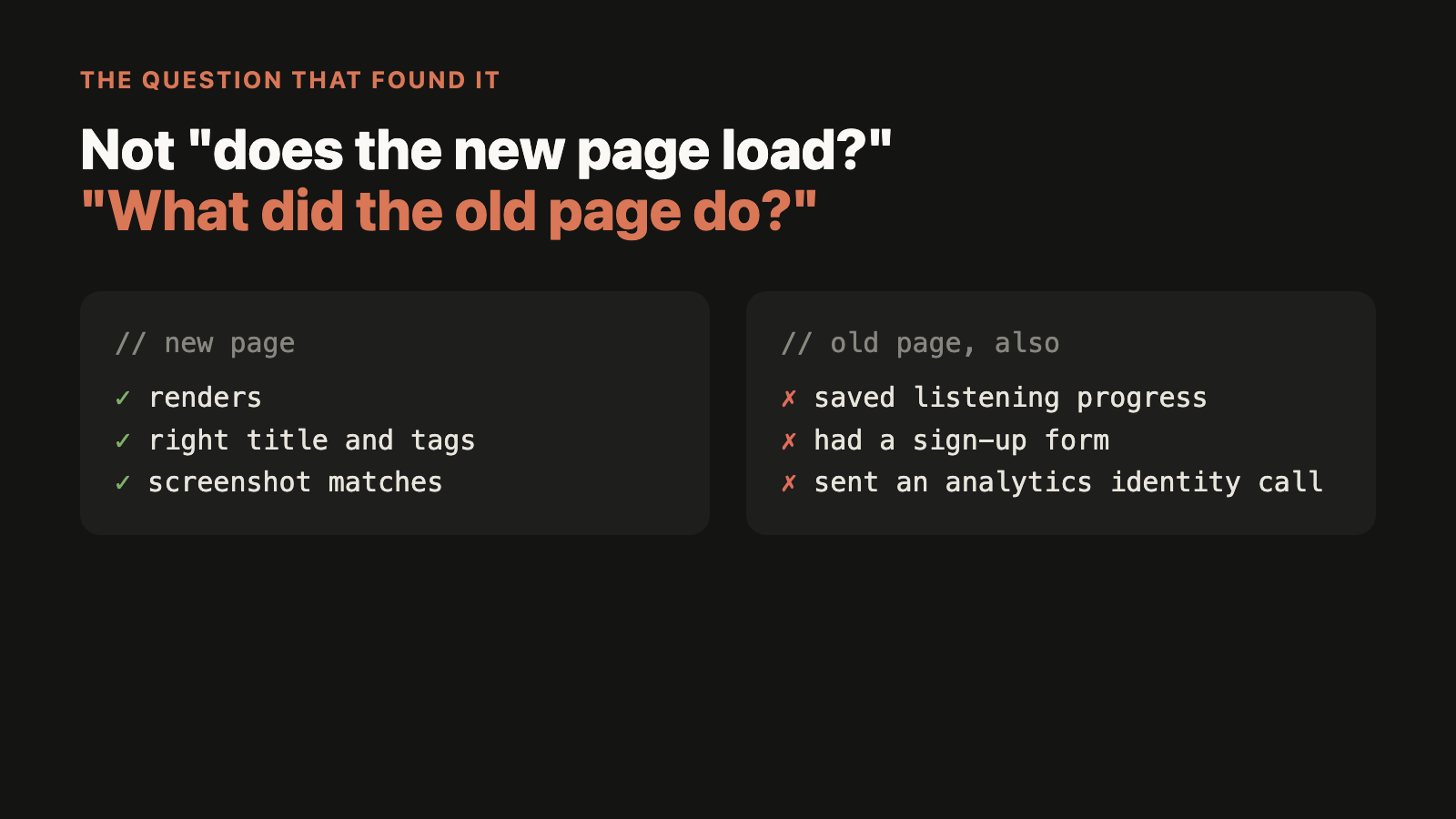
None of this shows up when you look at the page. I only found it by asking a different question. Not “does the new page load?” but “what did the old page do?”. Read the old code, list every request it sends and every thing it writes, and check each one exists in the new version.
A new page is a new client of your API
One cutover looked perfect. The page loaded, the tags were right, the probe was green. Then the API alarms started going off.
Each visit to the new page was creating a few share links through a third party, and that third party started rate limiting the site. Anonymous visitors were also making a call that always failed with a 403, and nothing was cached.
The page check only asked “did it load?”. It never asked “what did it cost the server?”.
Now, before moving a route, I count the API calls one visit makes and what each one does: rows written, third parties called, anything cached. After the move, I watch the API errors against a baseline, not just the page.
Don’t trust the cutover doc either
Small one. There was a doc that said a section was “still on the old site”. It had moved three weeks before. Docs about what’s live go stale fast. When I need to know which origin serves a route, I ask the live domain, not the doc.
What I’d tell myself before starting
If you’re doing a framework migration, the status code is the least useful check you have. The things that break are the things the page doesn’t show: what bots see, what the old page did in the background, and what the new page costs your API.
Have you done a migration like this? What broke that the page didn’t show?
Get the next post by email
One email when something new is out. No spam.