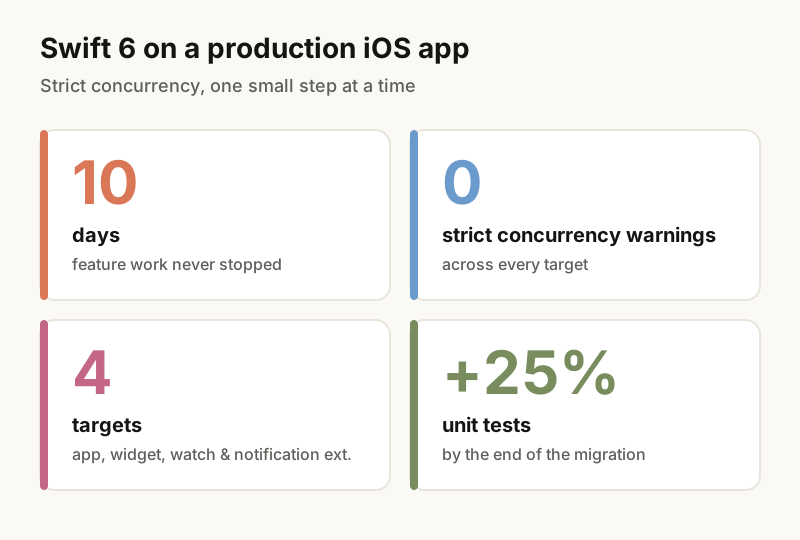
I moved our production app to Swift 6 in 10 days. Here's what it took.
No big-bang rewrite. Small PRs, a warnings baseline on every PR and tests on the old code before touching it.
I didn’t have a big reason to move our app to Swift 6. No crash, no deadline. I just wanted to modernize the app.
It took 10 days, and feature work kept shipping the whole time.
Rule one: never a big-bang change
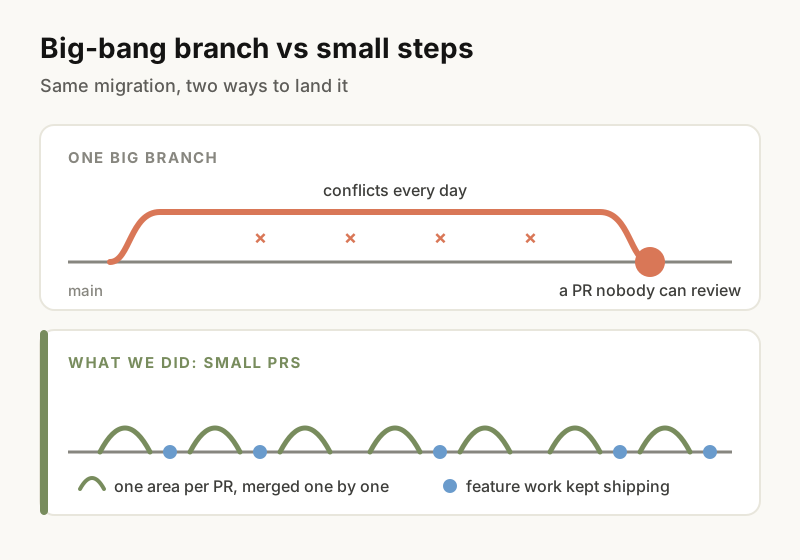
You know how a giant concurrency branch ends: conflicts every day and a PR nobody can review.
So we went small. One area per PR, merged one by one, with feature work going in between.
Rule two: measure the warnings, every time
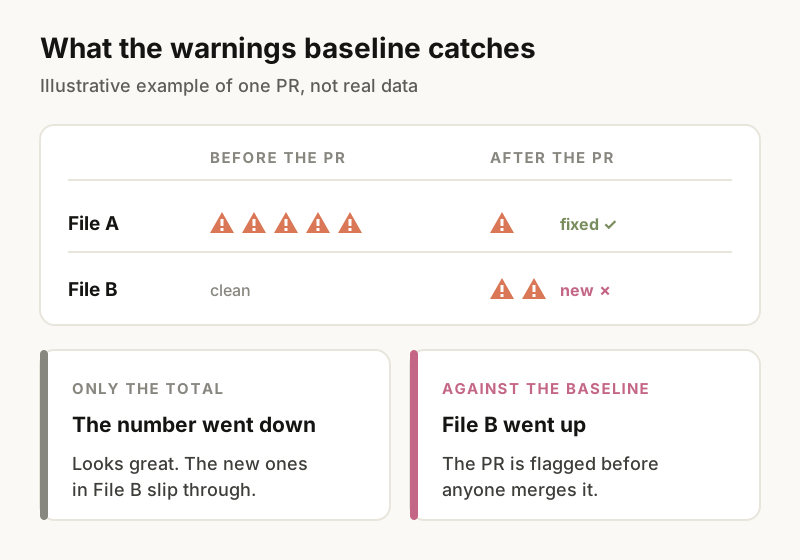
We kept a baseline of the warnings and compared every PR against it.
That’s how you catch the sneaky ones, like a change that fixes warnings in one file and creates new ones in another. If you only look at the total, the number went down and you move on. Against the baseline, you see the file where it went up.
Rule three: pin the behaviour before you touch it
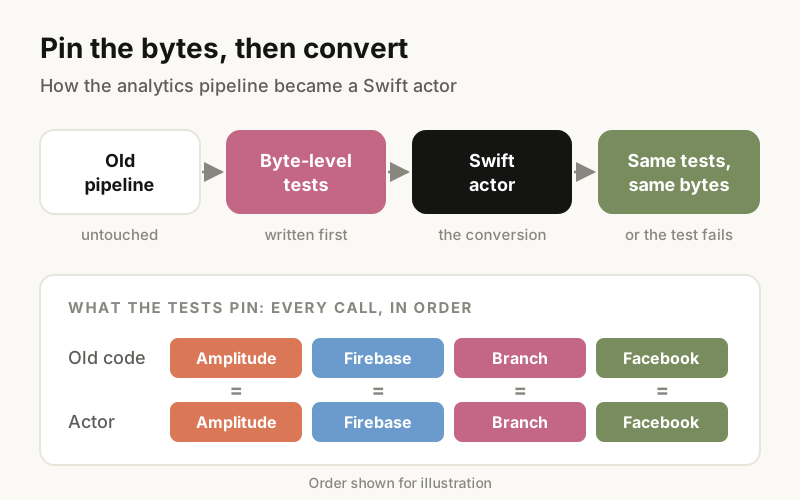
The analytics pipeline needed extra care. It talks to Amplitude, Firebase, Branch and Facebook, and the order of the calls matters. So:
- I wrote tests on the old code that pinned the exact bytes being sent.
- I turned the pipeline into a Swift actor.
- I ran the same tests. Same bytes, or they fail.
By the end of the migration, the unit test suite was 25% bigger than when we started.
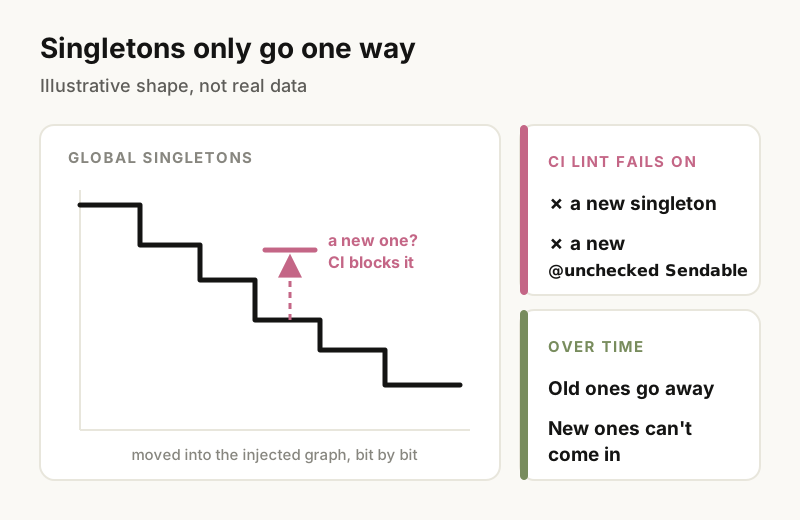
Singletons: a ratchet
We didn’t try to kill every global singleton at once. We moved them into an injected dependency graph bit by bit, and added a CI lint that fails on any new singleton or any new @unchecked Sendable. The old ones go away over time. New ones can’t come in.
Where the agents came in
I ran the migration with four AI coding agents in parallel, split by directory so they didn’t step on each other’s files:
- templates and routing
- services
- screens and the UI kit
- other features and targets
Every PR still followed the same rules: small, and compared against the warnings baseline. More on that setup in How I run AI agents on production code.
The result
Zero strict concurrency warnings across all four targets: the app, the widget, the watch app and the notification extension.
If you’re planning the same move, I’d set up the warnings baseline first. Everything else in this post depends on seeing that number on every PR.
Get the next post by email
One email when something new is out. No spam.